If you’re planning to grow your customer support team (or you’re just tired of trying to scale an outdated phone system), you already know that good intentions aren’t enough. To keep customers happy and teams productive, you need contact center scalability without the usual complexity, confusion, or cost.
But what features actually do that?
Below, we break down the six features your call center software must have in order to grow well. Each one helps you scale your operations quickly, without letting service quality suffer.
Let’s get into it.
✅ Want to skip ahead and explore a solution that checks all the boxes? NetCarrier’s call center platform is a scalable, affordable choice for growing teams.
1. Real-Time Call Center Analytics and Reporting
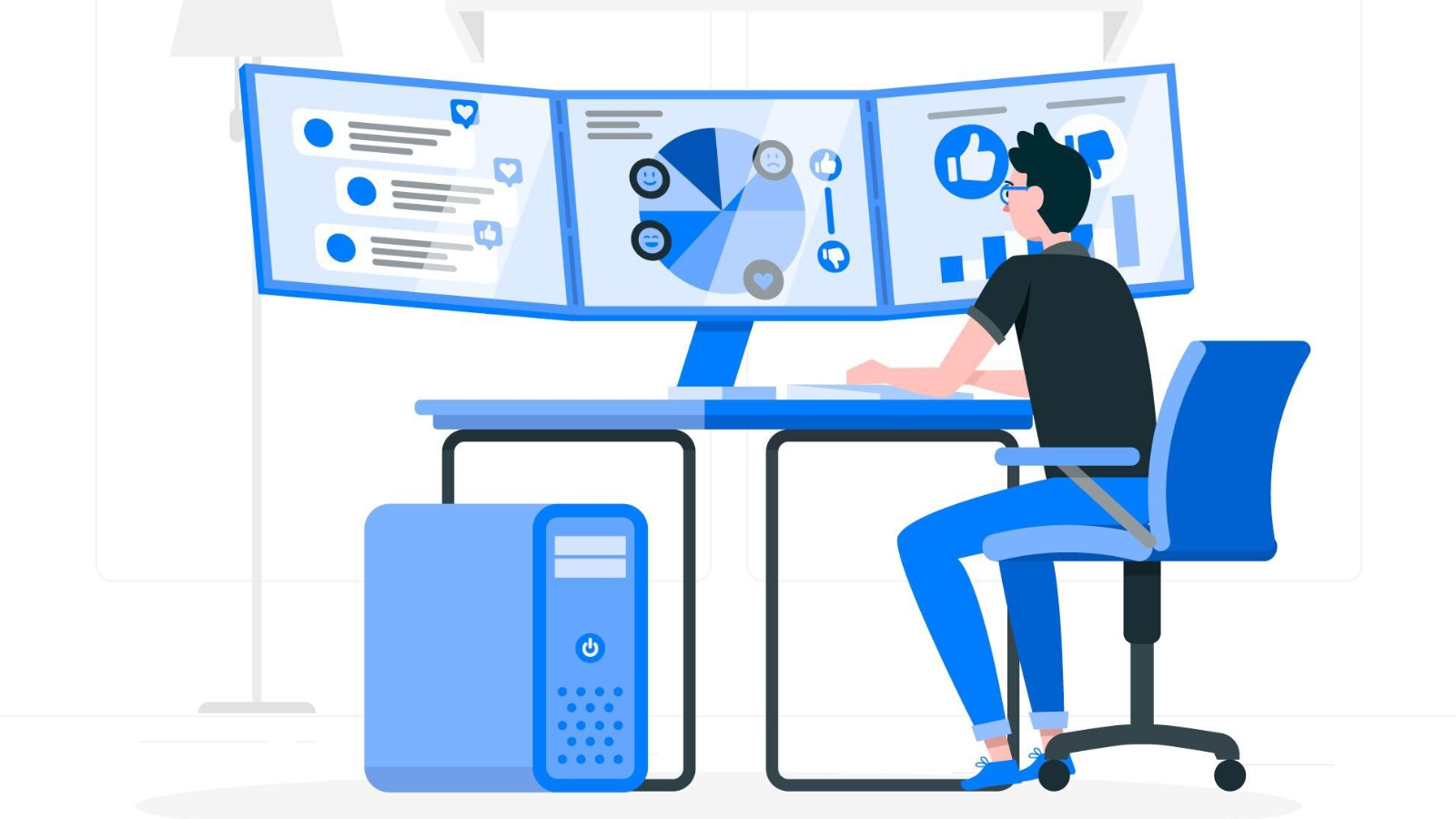
As your call volume increases, problems don’t surface slowly. They show up all at once. Real-time call analytics helps you catch and course-correct before your call center operations break down.
Let’s say your team just expanded from 8 to 20 agents. It’s the first Monday of a major seasonal sale, and wait times are spiking. If you’re relying on end-of-day reports, you won’t find out until it’s too late. With real-time call center analytics, you can see the queue building, notice specific agents struggling, and adjust staffing or routing while calls are still coming in.
To Sum Up: Look for software that shows call flow, agent activity, and queue times as they happen. This is your early-warning system that can make the difference between a quick fix and a full-blown backlog.
Pro Tip: Prioritize platforms that allow you to set custom alerts. You shouldn’t have to babysit a dashboard to know when call abandonment starts creeping up.
2. Call Queue Management That Actually Works

Growth usually means more customer calls, more types of callers, and more urgency. Queue management gives you a structure that keeps you organized as you grow.
Picture your team expanding from one support line to five product lines. Without separate queues, calls come in randomly. A basic technical question gets stuck behind a 30-minute billing dispute. A new, high-value client sits on hold. Now multiply that across 200 calls a day.
Call center software with strong queueing features lets you route by skill, language, customer tier, or product line. That keeps response times short even as call volume and complexity climb.
To Sum Up: Be sure the software you choose has custom call routing and allows you to build multiple call queues, each with its own rules and callback options, because the last thing you need is a single basic call queue for all your customers.
Pro Tip: Avoid systems that only offer basic “first-in, first-out” queues. As you grow, you’ll need queue management that sorts callers by need, priority, or type (and offers callback options when wait times spike). It will help keep your team sane and your customers sticking around.
3. Agent Status Monitoring and Performance Visibility

The more agents you manage, the harder it is to know who’s thriving, who’s overloaded, and who needs help with call handling. A system with visibility into agent performance keeps your team healthy as it grows.
Say you now manage a distributed team with reps across three time zones. You can’t walk the floor or check in every hour. Without visibility, one team might be overwhelmed while another is underutilized. A top performer could be silently burning out. A new hire might be taking double the average handle time.
But if you have call center software with agent dashboards, you’ll have a real-time window into who’s available, how calls are going, and who might need a little additional agent training. This allows you to spot burnout, coach smarter, and keep performance high without micromanaging.
To Sum Up: Make sure whatever software you pick includes agent presence and activity tracking, plus clear key performance indicators.
Pro Tip: Choose a system that lets you drill down into agent-level metrics without pulling separate reports. Fast access to insights means faster fixes.
4. Integration with Your CRM Systems
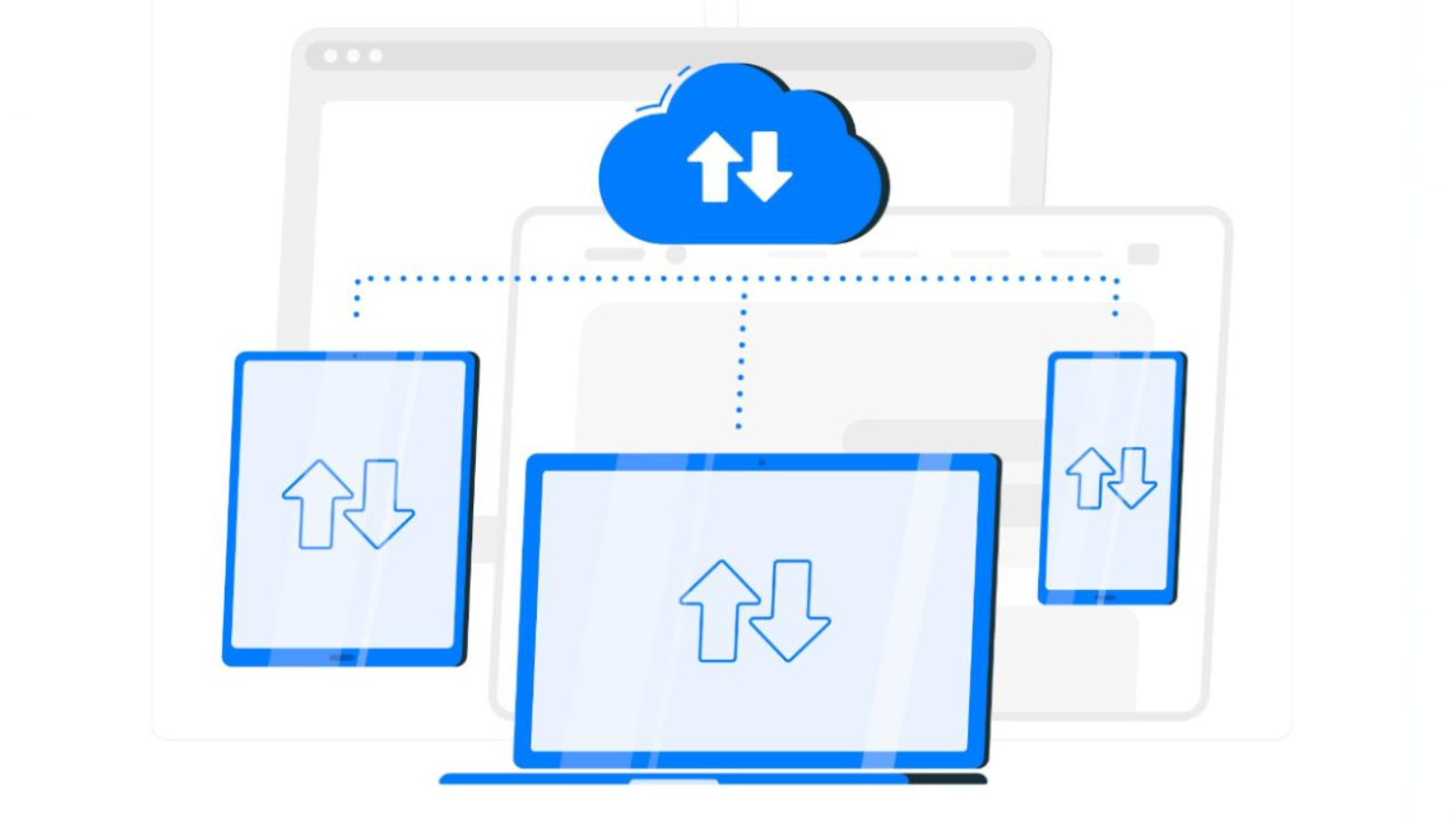
More clients mean more history, more customer data, and more room for error. CRM-integrated phone systems keep your team efficient and consistent as things scale.
Imagine your company just launched a new service line and added 1,500 new accounts in a single month. Now your reps need to manage all those new contacts, answer follow-up questions, and avoid asking the same ones twice. Without CRM integration, it’s chaos.
With a CRM-integrated phone system, the moment a customer phones in, their entire history (including past tickets, call notes, and sales status) appears automatically. That context helps agents solve problems faster, with less friction, even when the team is onboarding dozens of new customers a day.
To Sum Up: If you’re weighing your options, be sure your call center system can not only integrate with your current CRM (obviously) but also offers “screen pops.” These are pop-up windows that instantly display caller information to the rep.
Pro Tip: Make sure your software not only reads from your CRM but also logs calls, notes, and tags automatically. Manual entry doesn’t scale.
5. Omnichannel Communication Capabilities

When you grow, your customers will reach out in more ways and expect faster answers. Omnichannel routing keeps your team from drowning in disconnected conversations.
Let’s say your support strategy starts with just voice. But as your customer base triples, people start reaching out via multiple communication channels: chat, email, and SMS, too. Without omnichannel routing, your agents can’t keep track, and your customers get repeated, conflicting, or incomplete answers.
Omnichannel platforms unify all customer interactions into a single, continuous thread. That means your team spends less time piecing things together and more time solving problems.
To Sum Up: When evaluating, prioritize call center software that merges calls, chats, emails, and texts into a single conversation thread. Because hopping between three platforms to have one conversation is so 2012.
Pro Tip: If your vendor charges extra per channel, do the math. Some platforms look affordable at first but get expensive fast when you add non-voice communication.
6. Role-Based Access and Easy Admin Controls

When your team is small, it’s easy to manage everything yourself. When it’s not? You need software that lets the right people make the right changes fast.
Picture this: You’re onboarding 10 seasonal agents for the holidays. Each needs access to the call queue, but not to reporting or account settings. Meanwhile, a new supervisor needs to adjust the routing for weekend shifts. If your software doesn’t have role-based permissions and clear controls, these “small” changes turn into a backlog of IT tickets and delays.
Contact center solutions with admin tools that are built for scale let team leads handle setup, permissions, and queue logic quickly without IT intervention.
To Sum Up: Choose a platform that makes it easy to create roles, assign permissions, and update routing rules.
Pro Tip: Ask about prebuilt role templates and bulk user management. These save hours when you’re scaling up quickly or dealing with seasonal surges.
Scale with Intention, Not Just More Tools with NetCarrier

You might only have five agents today, but what happens when that doubles? Or triples? If your call center software can’t grow with you, you’ll be shopping for a new solution sooner than you think.
And the worst thing you can do is stack tools on top of each other and hope they’ll sort themselves out. The right call center software gives you structure, not stress. It helps you meet higher customer demand without working more hours or hiring additional staff than necessary.
To recap, here’s what sets you up to scale:
- Real-time visibility into call center performance so you can act early, not late
- Smart queueing that keeps things moving
- Agent productivity tools that highlight overload before it becomes burnout
- CRM integration to speed up every conversation
- Omnichannel routing that puts everything in one place
- Flexible controls that let your managers optimize operations, fast
If your current system makes those things harder instead of easier, that’s your sign to investigate NetCarrier’s solution. Our call center software gives you the tools you need to grow with none of the bloat, blockers, or burnout.
Need help deciding if it’s a fit? Get a quote and see how easily it is to scale with NetCarrier.